
21 AI prompts every accountant should have saved
Run each prompt right inside QuickBooks' Intuit Assist or Xero's Just Ask Xero (JAX) — or in Claude Code or OpenAI Codex.
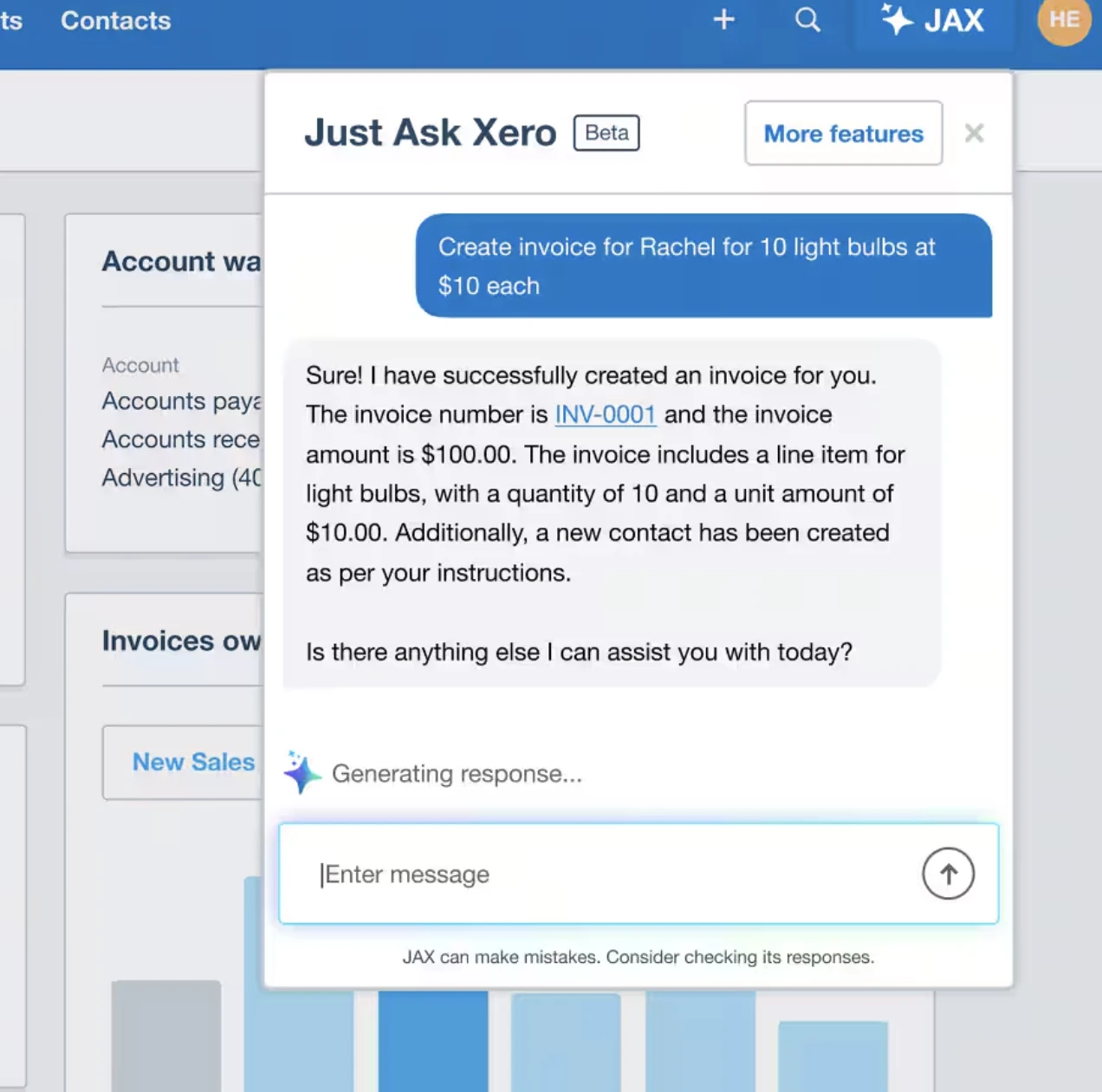
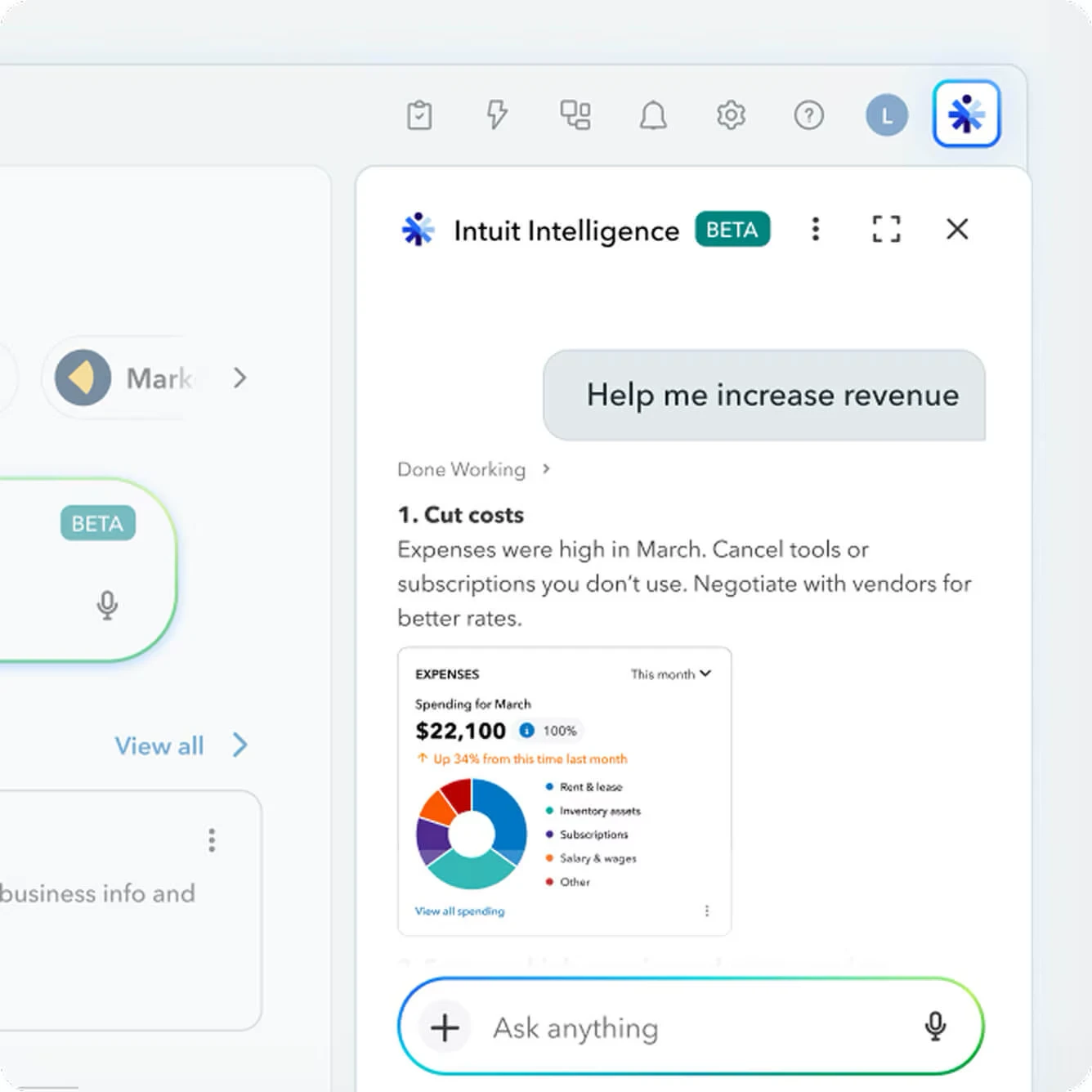
Two parts: the prompt pack (works with any AI) + a QuickBooks skill for Claude.
21 prompts, one job each
Every prompt names the report to pull, what to flag, and what to double-check. Here's one in full.
Here is my GL / check-register export. Find likely duplicate bills or payments — same or near-same amount to the same vendor within a short window — and list them as review candidates with the evidence, not just a count.
- 1Round-dollar & manual-entry anomaliesPlugs, blank memos, and odd one-offs in real spend.
- 2Missed early-payment discounts2/10-net-30 windows you're quietly losing.
- 3Customers slipping from on-time to slowDeteriorating payers — an early churn signal.
- 4Unapplied credits & paymentsMoney parked on accounts, never matched off.
- 5Wrong-account miscodingVendors booked to an account that doesn't fit.
- 6Threshold-skirting paymentsSplits that duck an approval limit.
- 7Personal-vs-business reviewPersonal spend mixed into the books.
- 8Revenue-recognition cutoffInvoices landing in the wrong period.
- 9Reserve adequacyMonths of fixed costs if revenue stopped.
- 10Reclassification candidatesThe tax-impact reclasses to make before you file.
- Plus the rest — 21 in total, across financial health, expense, revenue, AP/AR, and month-end close.
Get the pack + the QuickBooks skill
One email. Both downloads, instantly.
QuickBooks Copilot skill
A free Claude skill that runs these on your live books. The AI reads and writes the words; six Python tools do the money math, so the numbers are exact.
ar_prioritizerRanks who owes you by risk, with exact days-late, aging buckets, and totals.
follow_up_emailDrafts a reminder whose tone escalates by how overdue the invoice is.
pnl_summaryNet income, margin, month-over-month change, cash runway, and concentration risk.
float_gapDSO vs DPO and the cash tied up in your trade cycle — the A/R–A/P join no report shows.
slipping_customersPayers whose behavior is deteriorating (paid in 20 days, now 52).
lapsed_customersCustomers who used to buy and went quiet — a ranked win-back list.
- Unzip into
~/.claude/skills/. - Connect QuickBooks to Claude (Settings → Connectors).
- Ask: "Who owes me money and how overdue are they?"
Requires Claude with the QuickBooks connector. Free to use and share. It always previews and waits for your OK before anything sends.
Still chasing clients and staff for receipts and invoices?
That's the part DocStream automates. It pulls the invoices and receipts out of your inbox, extracts the data with AI, and syncs them straight into QuickBooks or Xero — no manual entry, no follow-ups.