

The best invoice capture software for accounting firms in 2026 automatically pulls invoices, receipts, and credit memos from client inboxes, reads every field with AI, and posts structured records directly to QuickBooks Online or Xero.
In-house finance team? We ranked these for accounting firms, but each tool review still applies to you. Just skip the multi-client points.
This list is about the capture step: the OCR and AI extraction that turn an emailed PDF or a phone photo into fields. For approvals and payments on top, see our invoice automation software rankings.
We tested 10 tools across five criteria: extraction accuracy, QuickBooks/Xero sync depth, multi-client management, pricing transparency, and setup speed. DocStreamAI is our top pick for QuickBooks- and Xero-connected firms because it monitors each client's Gmail or Outlook inbox, codes each document to your existing chart of accounts, and runs a duplicate check before anything posts. Dext is the runner-up for firms that prefer a mobile-first receipt workflow. HubDoc is the budget pick for Xero subscribers who want a free starting point.
Top 3 Picks at a Glance
Swipe to see moreScroll sideways to see more
| Tool | Best For | Starting Price |
|---|---|---|
| DocStreamAI | QuickBooks/Xero firms needing inbox-native capture | From $25/month per client |
| Dext | Mobile-first receipt and invoice capture | Contact for pricing |
| HubDoc | Xero subscribers wanting a free document fetch tool | Free with Xero |
Manual invoice entry costs accounting firms more than time. A study by the Institute of Finance and Management found that the average cost to manually process a single invoice is $10 to $15, while automated capture brings that figure below $3. For a firm handling 500 invoices a month across 20 clients, that gap is roughly $84,000 a year in staff hours.
The right invoice capture tool solves this by removing the human from the repetitive part of the workflow.
The right tool helps you:
- Pull invoices from email, PDF uploads, and mobile photos without manual sorting
- Extract vendor names, line items, totals, tax, and due dates without re-keying
- Code each document to the correct GL account using your existing chart of accounts
- Sync bills, receipts, and credit memos directly into QuickBooks Online or Xero
- Flag duplicates and low-confidence extractions before they reach your books
What Is Invoice Capture Software?
Invoice capture software is a category of tool that automatically detects, reads, and structures the data from incoming invoices, receipts, and credit memos so that data can be posted to an accounting system without manual entry.
Most tools combine optical character recognition (OCR) or AI-based extraction with a direct integration to platforms like QuickBooks Online and Xero. Sub-types include email-native capture tools (which monitor inboxes), document upload portals (drag-and-drop PDF processing), mobile receipt scanners, and full AP automation platforms that add approval workflows and payment execution on top of capture.
For a deeper look at how the extraction layer works, see our guide to invoice OCR technology.
Why Trust Us
We are the team behind DocStreamAI, an AI-powered invoice capture tool built specifically for QuickBooks Online and Xero. That means we have skin in the game, and we say so plainly. To keep this list honest, we applied the same evaluation template to every tool, including our own.
How We Evaluated
We scored each tool on five criteria, weighted toward what accounting firms actually care about when processing documents for multiple clients:
- Extraction accuracy: Does the tool reliably pull vendor name, invoice number, line items, totals, tax, currency, and due date without manual correction?
- QuickBooks/Xero sync depth: Does the integration create the correct record type (bill, expense, credit note) with the original document attached, or does it stop at a data export?
- Multi-client management: Can the tool handle separate organizations per client without data bleeding between them?
- Pricing transparency: Are plan prices and per-document overage rates published publicly, without a sales call?
- Setup speed: Can a bookkeeper connect an inbox and process the first invoice in under 15 minutes?
Swipe to see moreScroll sideways to see more
| # | Tool | Best For | Key Features | Rating | Starting Price |
|---|---|---|---|---|---|
| 1 | DocStreamAI | QuickBooks/Xero firms, inbox-native capture | Inbox monitoring, AI line-item extraction, duplicate check, QBO/Xero sync | Not yet rated | From $25/client/month |
| 2 | Dext | Mobile-first receipt and invoice capture | Mobile scan, supplier rules, Xero/QBO push | 4.3/5 (G2) | Contact for pricing |
| 3 | HubDoc | Xero users wanting a free fetch tool | Document fetch, bank statement import, Xero sync | 3.3/5 (Xero App Store) | Free with Xero |
| 4 | AutoEntry | Credit-based, budget-flexible capture | OCR extraction, line-item option, QBO/Xero export | 4.4/5 (Capterra) | $24/month |
| 5 | Nanonets | Teams wanting transparent per-credit pricing | Template-free AI, API access, GL coding | 4.7/5 (G2) | $100/month (100 credits) |
| 6 | DocuClipper | Bookkeepers converting PDF bank statements | PDF-to-CSV/QBO, statement parsing, batch upload | 4.7/5 (G2) | $29/month |
| 7 | Stampli | AP teams needing invoice collaboration | AI coding, comment threads per invoice, ERP sync | 4.6/5 (G2) | Contact for pricing |
| 8 | BILL AP/AR | SMB AP with approvals and payments | AI capture, approval routing, ACH/check payments | 4.4/5 (G2)* | $49/user/month |
| 9 | Lightyear | Full AP workflow with approvals | Line-item extraction, approval chains, supplier portal | 4.9/5 (Capterra) | $169/month |
| 10 | Botkeeper | Firms bundling bookkeeper services | Automation + human bookkeeper hybrid, reconciliation | 4.4/5 (Capterra) | $104/month (annual) |
*BILL AP/AR G2 score reflects the combined BILL AP/AR platform, not invoice capture in isolation.
1. DocStreamAI — Best for QuickBooks and Xero Firms With Documents Spread Across Client Inboxes
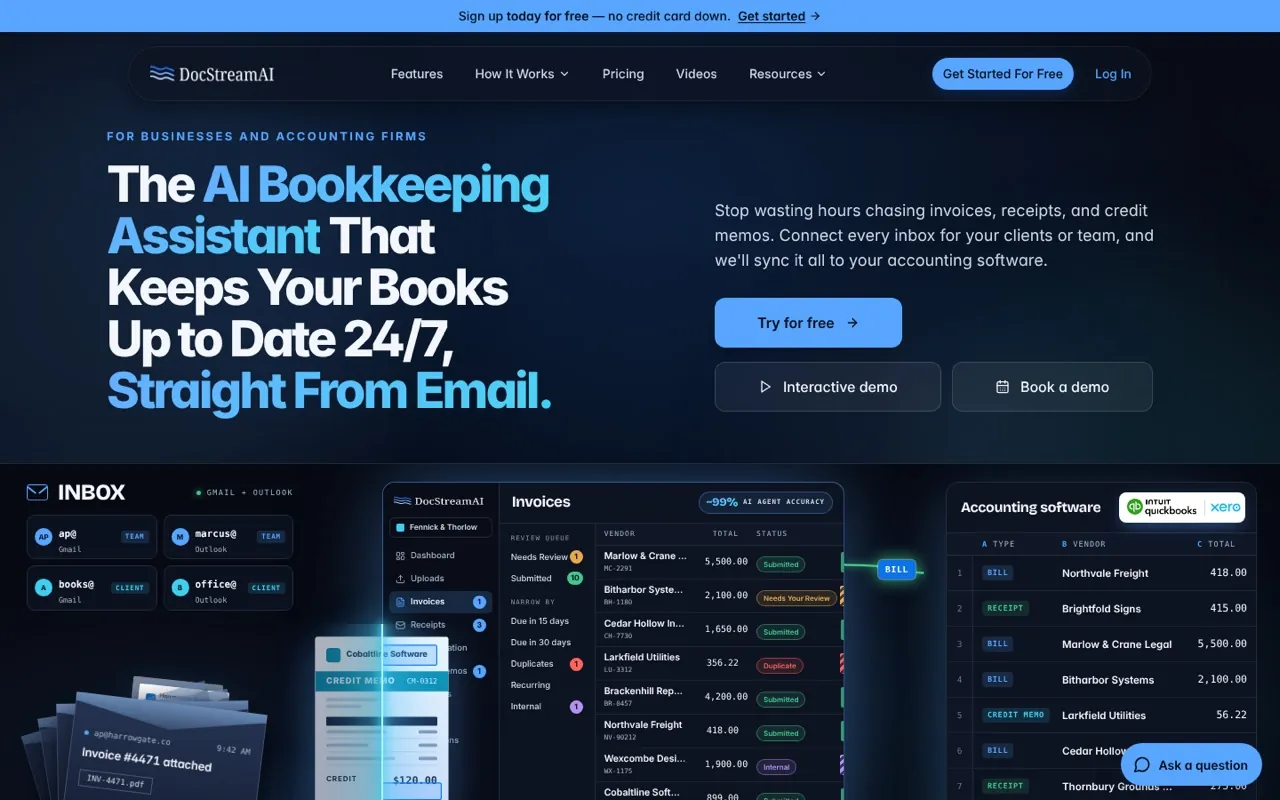
Best for: Accounting firms and bookkeepers running QuickBooks Online or Xero who need every client's inbox monitored automatically.
DocStreamAI is an AI-powered invoice capture tool that watches each client's connected Gmail or Outlook inbox, extracts structured data from invoices, receipts, and credit memos, and syncs the results directly to that client's QuickBooks Online or Xero file 24/7. It is the right fit for bookkeeping practices whose clients receive bills by email, either in their own inboxes or in a dedicated AP inbox set up for each client, and who need those documents coded and posted without a manual review queue growing overnight.
Key Features
- Inbox monitoring: Connects Gmail and Outlook accounts; DocStreamAI watches all of them in real time and labels processed emails directly in each inbox
- AI line-item extraction: Reads vendor, invoice number, dates, due date, totals, tax, currency, and every line item without templates
- Chart-of-accounts coding: Each line is coded to an account from your existing QuickBooks or Xero setup, not a generic category list
- AI job costing: Tags each bill to its project or job in QuickBooks Online or Xero when a confident match is found
- Duplicate invoice detection: Every document is checked against your books before posting; you choose to keep both, keep the original, or replace
- Approval rules and approver chains: Route documents by amount, vendor, or account to one or more approvers before they post
- Multi-client support: The accounting firm plan manages separate client organizations, from 3 clients up, from a single dashboard
Pricing
Swipe to see moreScroll sideways to see more
| Plan | Price per Client/Month | Pages per Client/Month | Members per Client |
|---|---|---|---|
| Professional | $25 | 225 | 5 |
| Premium | $50 | 500 | 8 |
Firms pay per client organization, from 3 to 300 clients, and pick the plan client by client, so the busiest clients can sit on Premium while the rest stay on Professional. Pages are pooled across the whole firm, and overage past the shared total is billed at $0.05 per page. Your own accountant seats don't count toward a client's members, and clients are never billed separately. A 14-day free trial covers up to 5 client organizations with no credit card required. Annual billing saves 20% ($240 per client per year on Professional, $480 on Premium).
Pros
- Inbox-native capture means no staff training on a new upload portal; documents come in through the same email accounts your clients already use
- Duplicate detection and the "held for review" queue catch errors before they reach the general ledger, not after
- Flat per-client pricing with pooled pages and a published overage rate makes monthly costs predictable for firms with variable document volumes
Cons
- Currently integrates only with QuickBooks Online and Xero; firms on NetSuite, Sage, or other ERPs cannot use it yet
- New to review sites, so there is not yet a body of third-party ratings to compare against the other tools on this list
Go with this if you run a QuickBooks or Xero practice and your biggest pain is chasing documents that land in dozens of client inboxes. The inbox-monitoring approach solves a problem that upload-portal tools don't touch.
Start a free 14-day trial | See all features
2. Dext — Best for Mobile-First Receipt and Invoice Capture
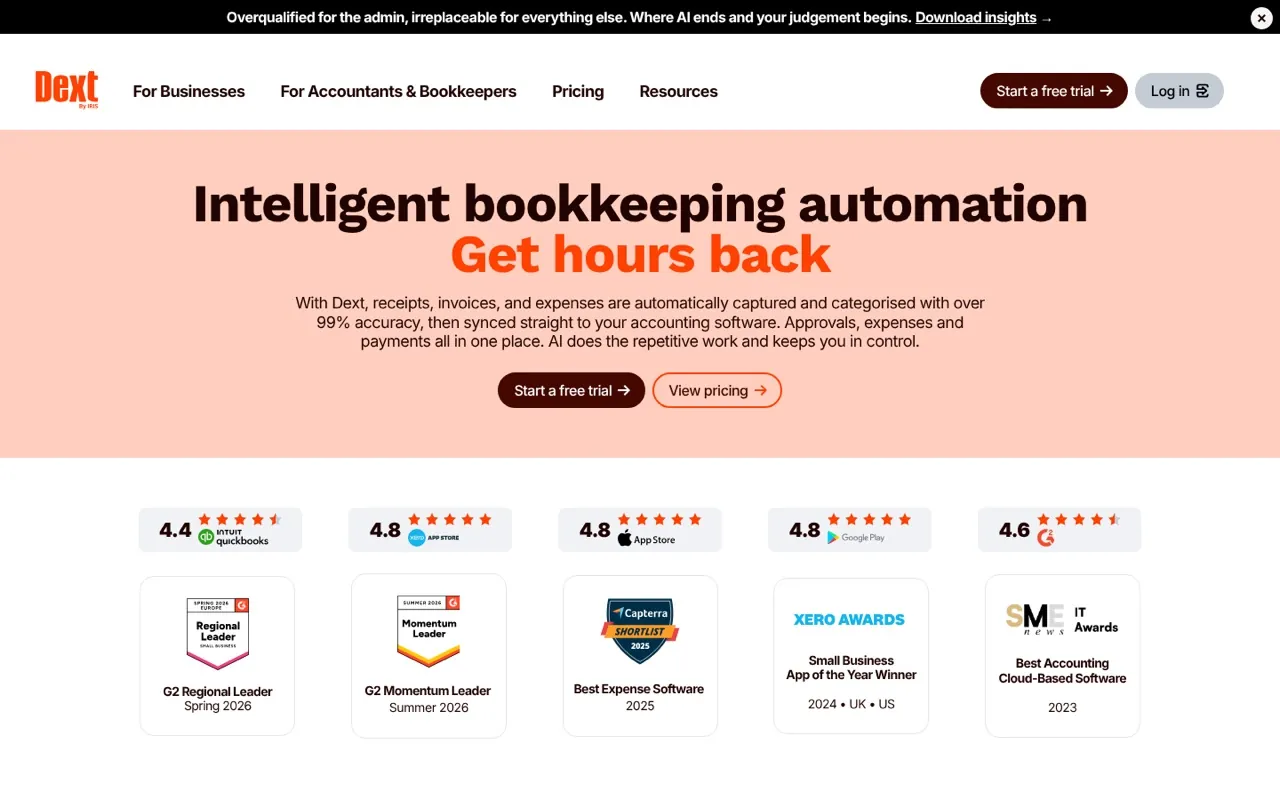
Best for: Accounting firms that need a mobile-first receipt and invoice capture workflow with strong Xero and QuickBooks connectivity.
Dext (formerly Receipt Bank) is an OCR-based document capture tool that lets accountants and their clients submit invoices and receipts via mobile photo, email forwarding, or direct upload, then pushes structured data to Xero or QuickBooks. It is best suited for firms whose clients are comfortable submitting their own receipts through a client-facing mobile app. We ran a batch of crumpled fuel and hardware-store receipts through the app and it held up better than expected, though two of twenty needed a manual fix.
Key Features
- Mobile capture app: Clients photograph receipts; Dext extracts the data and routes it to the firm's dashboard
- Supplier rules: Assign a default category, tax rate, and account to a supplier so every future document from that vendor is coded consistently
- Xero and QuickBooks push: Extracted records sync directly to the connected accounting platform
- Fetch: Automatically retrieves statements and invoices from supplier portals and utility accounts
- Practice management dashboard: One view across all client organizations for the accounting firm
Pricing: Per-user pricing; contact Dext for current plan details. There is no public pricing page.
Pros
- Client-facing mobile app reduces the friction of getting source documents from clients
- Supplier rules cut per-document review time once a vendor has been seen before
- Strong Xero App Store presence and long track record with accounting practices
Cons
- No public pricing; cost scales with team size, which makes budgeting difficult without a sales conversation
- OCR accuracy on low-quality mobile photos can require manual correction, especially for handwritten or crumpled receipts; for some firms that is a fair trade for the client-side convenience, for others it just moves the chasing from documents to corrections
Rating: 4.3/5 on G2
"The supplier rules feature alone saves our team hours every week." — G2 reviewer
Go with this if your clients are active participants in the document submission process and you want them using a polished mobile app rather than forwarding emails.
3. HubDoc — Best Free Option for Xero Subscribers
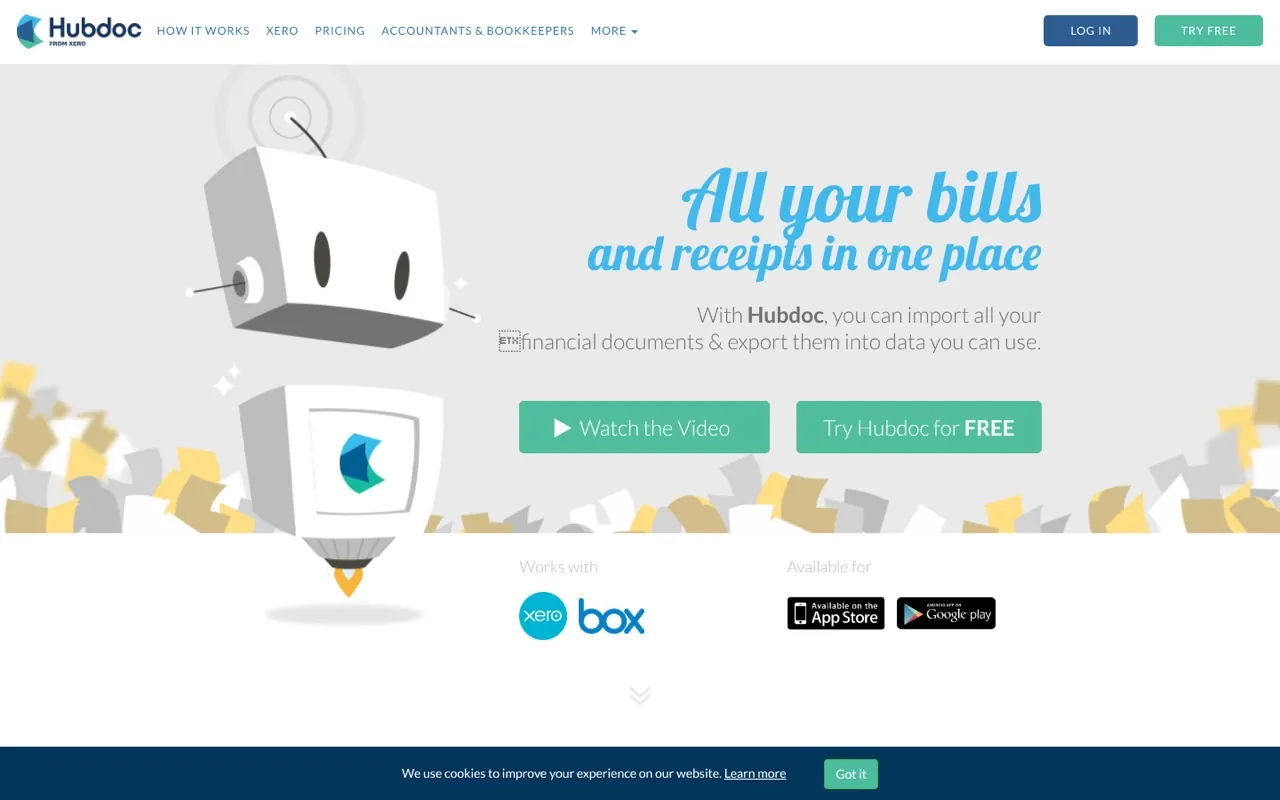
Best for: Xero subscribers who want a free document collection and fetch tool without adding a separate software budget line.
HubDoc is a document collection tool included free with Xero subscriptions that automatically fetches bank statements, utility bills, and invoices from connected supplier portals and syncs totals to Xero. It is the right starting point for small practices already paying for Xero who do not yet need full line-item extraction. I wouldn't recommend it as a long-term solution, but for a Xero practice that has never used capture software it is a zero-cost way to learn the workflow before paying for anything.
Key Features
- Automated document fetch: Connects to banks and supplier portals to pull statements and invoices automatically
- Xero sync: Pushes captured totals and attachments directly into Xero as draft bills
- Email inbox: A dedicated HubDoc email address accepts forwarded invoices from clients or vendors
- Cloud storage: All fetched documents are stored and searchable in HubDoc alongside the Xero record
Pricing: Free with a Xero subscription. Xero plans start at $15/month (Early) per xero.com.
Pros
- Zero additional cost for Xero subscribers makes it the lowest-risk starting point
- Automated fetch from bank and supplier portals removes a manual download step
- Documents are attached to Xero records, which satisfies audit trail requirements
Cons
- Extracts totals only, not individual line items; firms needing line-level GL coding must use a different tool or code manually in Xero
- Limited to Xero; QuickBooks Online users have no native equivalent
- Xero App Store rating of 3.3/5 reflects long-standing complaints about fetch reliability on some supplier portals
Rating: 3.3/5 on the Xero App Store
"It's fine for what it is, but the moment you need line items you'll hit a wall." — Xero App Store reviewer
Go with this if you are a Xero-only practice with straightforward invoices and you want to capture documents at zero additional cost before deciding whether to invest in a more capable tool.
4. AutoEntry — Best for Credit-Based, Budget-Flexible Capture
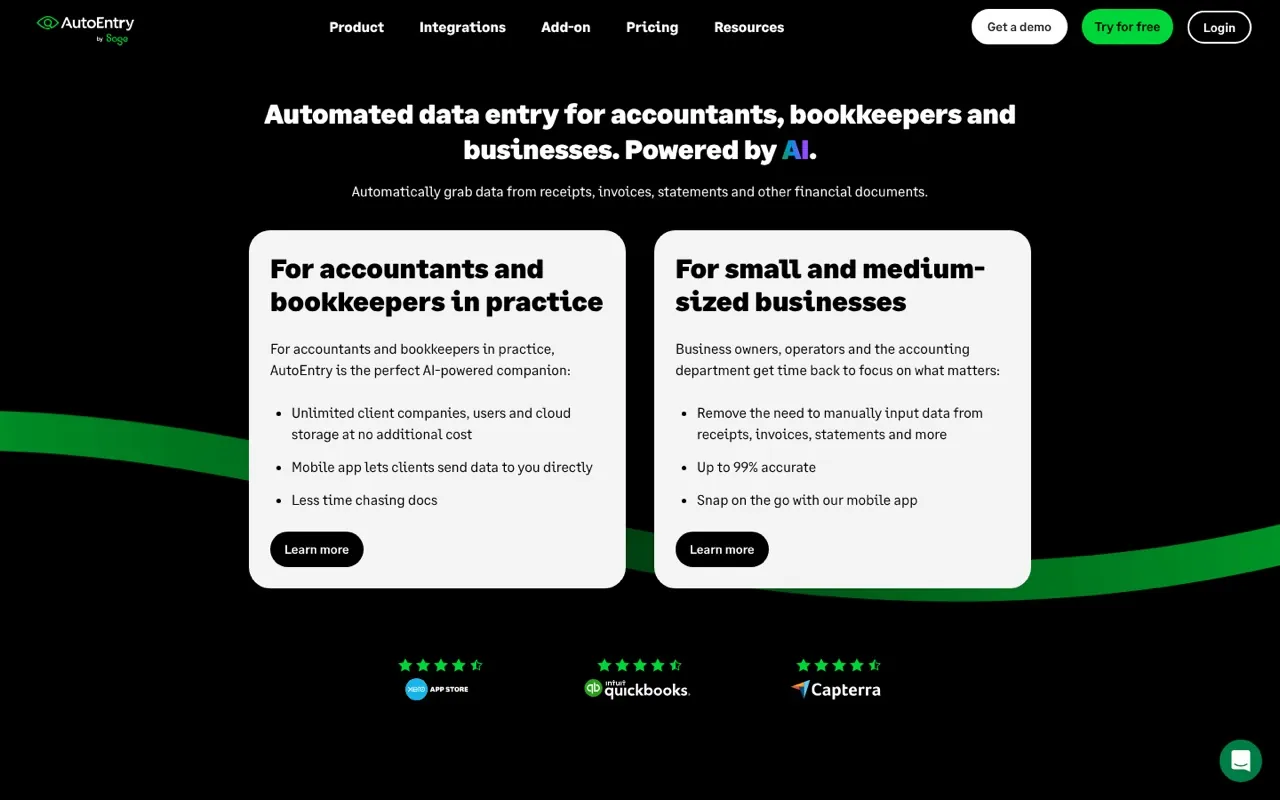
Best for: Bookkeepers and small practices that want flexible, credit-based pricing with no monthly commitment.
AutoEntry is an OCR-based invoice and receipt capture tool that operates on a credit system, where each document or page consumes a set number of credits. It connects to QuickBooks Online and Xero and offers optional line-item extraction at an additional credit cost. It suits firms with variable monthly document volumes that do not want a fixed per-user subscription.
Key Features
- Credit-based processing: Buy credits as needed; unused credits roll over, which suits seasonal practices
- Line-item extraction: Available as an add-on option per document for GL-level detail
- QuickBooks and Xero integration: Pushes extracted data directly to the connected platform
- Supplier rules: Set default coding per supplier to reduce per-document review
- Mobile and email capture: Submit via app, email forward, or direct upload
Pricing (source: AutoEntry pricing page):
Swipe to see moreScroll sideways to see more
| Plan | Monthly Price | Credits |
|---|---|---|
| Starter | $24 | 50 |
| Basic | $36 | 100 |
| Standard | $56 | 200 |
| Premium | $108 | 500 |
Pros
- Credit rollover means you do not lose value in low-volume months
- Line-item extraction is available without upgrading to a higher tier
- 14-day free trial with no credit card required
Cons
- Per-document credit consumption can become expensive at high volumes compared to flat-rate tools
- Line-item extraction costs additional credits on top of the base document credit; in our test month the add-on burned through credits faster than the pricing table suggests, so I think it's best for firms that mostly need header-level data
Rating: 4.4/5 on Capterra
"The credit rollover is genuinely useful for our seasonal clients." — Capterra reviewer
I'd pick this if your firm's document volume swings significantly month to month and you want to pay for what you actually process rather than a fixed seat count.
5. Nanonets — Best for Teams Wanting Transparent Per-Credit AI Pricing
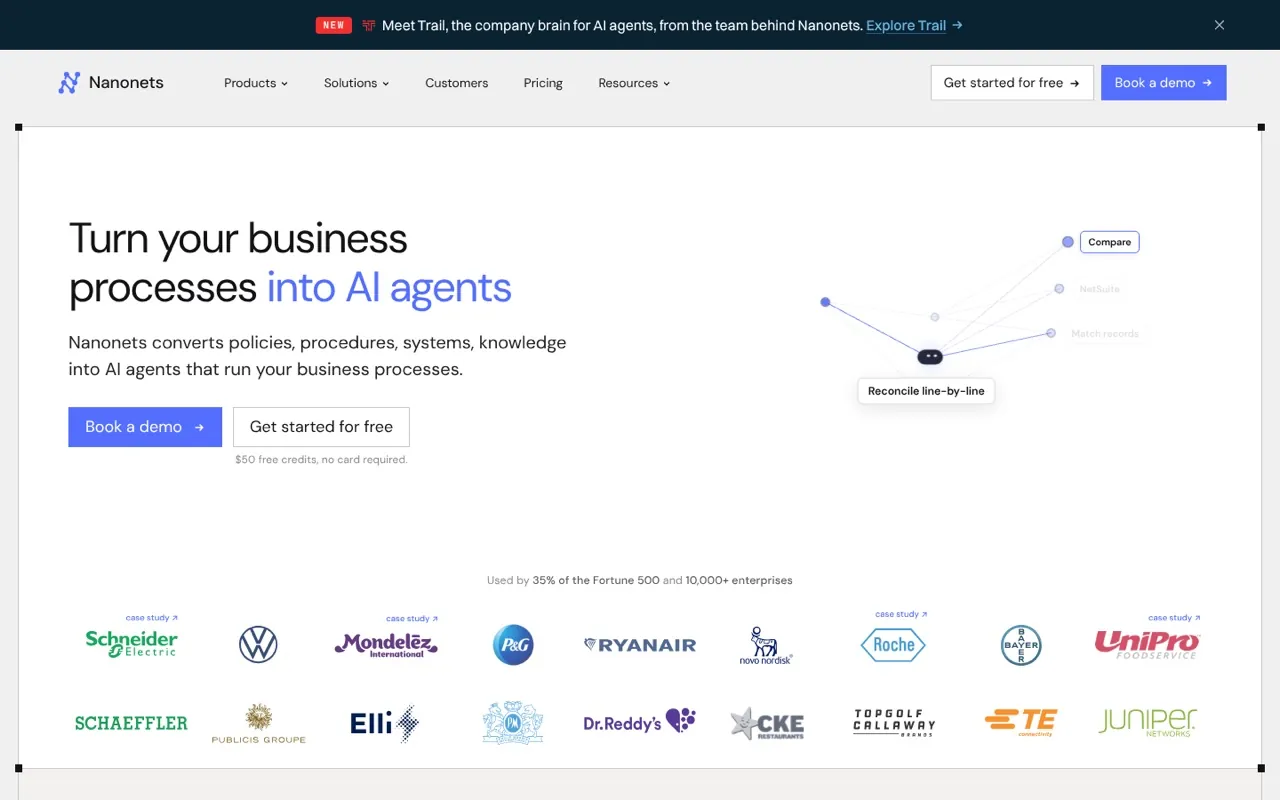
Best for: Accounting teams and developers who want transparent, published per-credit AI extraction pricing with API access.
Nanonets is a template-free AI document processing platform that extracts structured data from invoices, receipts, and other financial documents using machine learning models that improve with each document processed. It publishes its pricing publicly, which is unusual in this category. It is best suited for mid-market AP teams or tech-forward bookkeeping firms that want API-level control over their document workflow. For most bookkeeping firms I wouldn't start here; it could be good to test if you have a developer on the team, but the setup is more work than the purpose-built accounting tools.
Key Features
- Template-free extraction: No supplier setup required; the AI learns from documents as they are processed
- GL coding: Maps extracted fields to your chart of accounts
- API access: Developers can integrate Nanonets extraction into existing workflows or build custom automation
- 2-way and 3-way matching: Matches invoices against purchase orders and receipts
- Multi-format support: Handles PDFs, images, and emails across 50+ languages
Pricing (source: Nanonets pricing page): Free start with $50 in credits, then $100/month for 100 credits. A typical invoice consumes 4 to 6 credits depending on complexity (simple, standard AI, or complex AI tier).
Pros
- Published pricing with no sales call required is rare in AI document processing
- Template-free model means no setup time per new supplier
- API access enables custom integrations for firms with non-standard workflows
Cons
- Credit consumption per invoice can add up quickly at high volumes; a firm processing 500 invoices/month at 5 credits each would spend $2,500/month at the standard rate
- QuickBooks and Xero integrations exist but require more configuration than purpose-built accounting tools
Rating: 4.7/5 on G2 (97 reviews)
"The API access made it possible to plug this into our existing portal without rebuilding anything." — G2 reviewer
I'd pick this if you need API-level control or your firm processes documents in formats and languages that simpler OCR tools cannot handle reliably.
6. DocuClipper — Best for Converting PDF Bank Statements
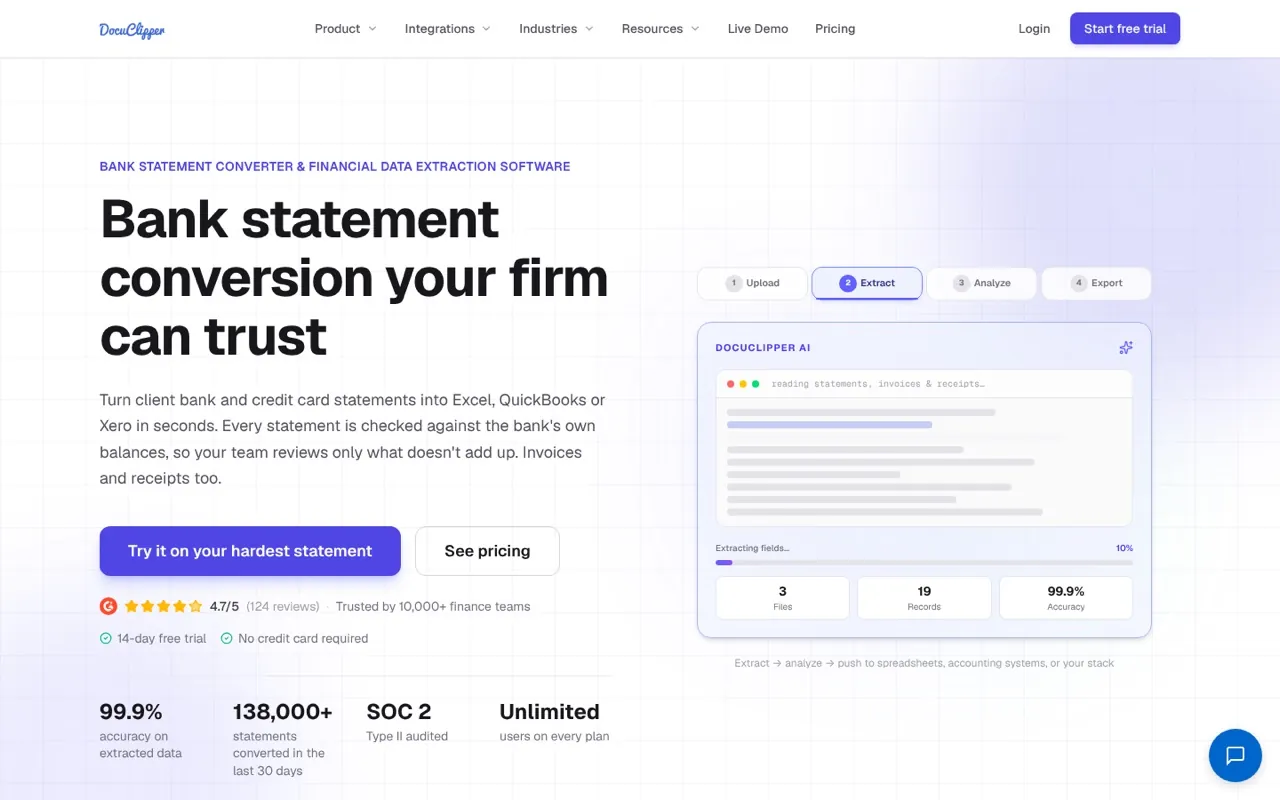
Best for: Bookkeepers who need to convert PDF bank statements, invoices, and receipts into Excel, CSV, or QBO format for accounting.
DocuClipper is a PDF conversion tool that extracts data from bank statements, invoices, and receipts and exports it to Excel, CSV, or QuickBooks QBO format. It is the right tool for bookkeepers who receive client documents as PDFs and need to get the data into their accounting software without manual re-entry, but do not need real-time inbox monitoring or a direct Xero/QBO API sync.
Key Features
- Bank statement conversion: Converts multi-page PDF bank statements to structured spreadsheet data
- Invoice and receipt extraction: Reads vendor, date, totals, and line items from uploaded PDFs
- QBO export: Outputs in QuickBooks QBO format for direct import
- Batch upload: Process multiple documents in a single upload session
- 14-day free trial: No credit card required
Pricing (source: DocuClipper pricing page):
Swipe to see moreScroll sideways to see more
| Plan | Monthly Price | Pages |
|---|---|---|
| Starter | $29 | 60 |
| Business | $159 | 640 |
| Enterprise | From $399 | Custom |
Pros
- The lowest published entry price in this comparison at $29/month
- Bank statement conversion is a specific capability most invoice capture tools do not offer; for statement conversion specifically, we'd pick it over everything else on this list
- QBO export format allows QuickBooks import without a live API connection
Cons
- No direct API sync to QuickBooks or Xero; data must be exported and imported manually
- Page limits on lower tiers are tight; 60 pages/month at Starter covers roughly 60 single-page invoices
Rating: 4.7/5 on G2 (124 reviews)
"I use it specifically for bank statement conversion. Nothing else does it as cleanly." — G2 reviewer
I'd pick this if your primary need is converting PDF bank statements to a usable format, not real-time invoice sync. For ongoing invoice capture, a tool with a direct accounting integration will save more time.
7. Stampli — Best for AP Teams Needing Invoice Collaboration
Best for: Mid-market finance teams that need invoice capture with built-in collaboration, comment threads, and approval routing per invoice.
Stampli is an AP automation platform that layers AI-powered invoice coding and approval workflows on top of document capture. Its differentiating feature is Billy the Bot, an AI that learns your coding patterns and pre-fills GL accounts, and a comment thread attached to each invoice so approvers and AP staff can discuss a document without leaving the platform. It is best for finance teams that have complex approval chains and need a clear audit trail per invoice.
Key Features
- Billy the Bot: AI that learns from your historical coding and pre-fills GL accounts, cost centers, and tax codes
- Per-invoice comment threads: Approvers, requesters, and AP staff communicate on the invoice itself, not in a separate email chain
- Customizable approval workflows: Route by amount, vendor, department, or GL account
- ERP sync: Integrates with QuickBooks, Xero, NetSuite, Sage, and others
- Vendor portal: Suppliers can check invoice status without calling AP
Pricing: Contact Stampli for pricing. There is no public pricing page.
Pros
- Billy the Bot's learning model reduces manual coding time as it processes more invoices from the same vendors (in our trial it took roughly two weeks of invoices before the suggestions were reliably right)
- Per-invoice communication threads create a natural audit trail without separate email chains
- Broad ERP compatibility covers firms whose clients use platforms beyond QuickBooks and Xero
Cons
- No published pricing; firms must go through a sales process to get a quote
- Overkill for small practices processing under 200 invoices per month; the collaboration features add complexity that solo bookkeepers do not need
Rating: 4.6/5 on G2 (2,069 reviews)
"Billy the Bot makes Stampli intuitive, fast, and worth the investment." — G2 reviewer
I'd pick this if you manage a mid-size AP team with multi-step approvals and need every invoice decision documented with a clear paper trail. For pure capture without collaboration overhead, it is more tool than most bookkeeping practices need.
For a broader look at approval routing options, see our invoice approval software guide.
8. BILL AP/AR — Best for SMB AP With Approvals and Payments
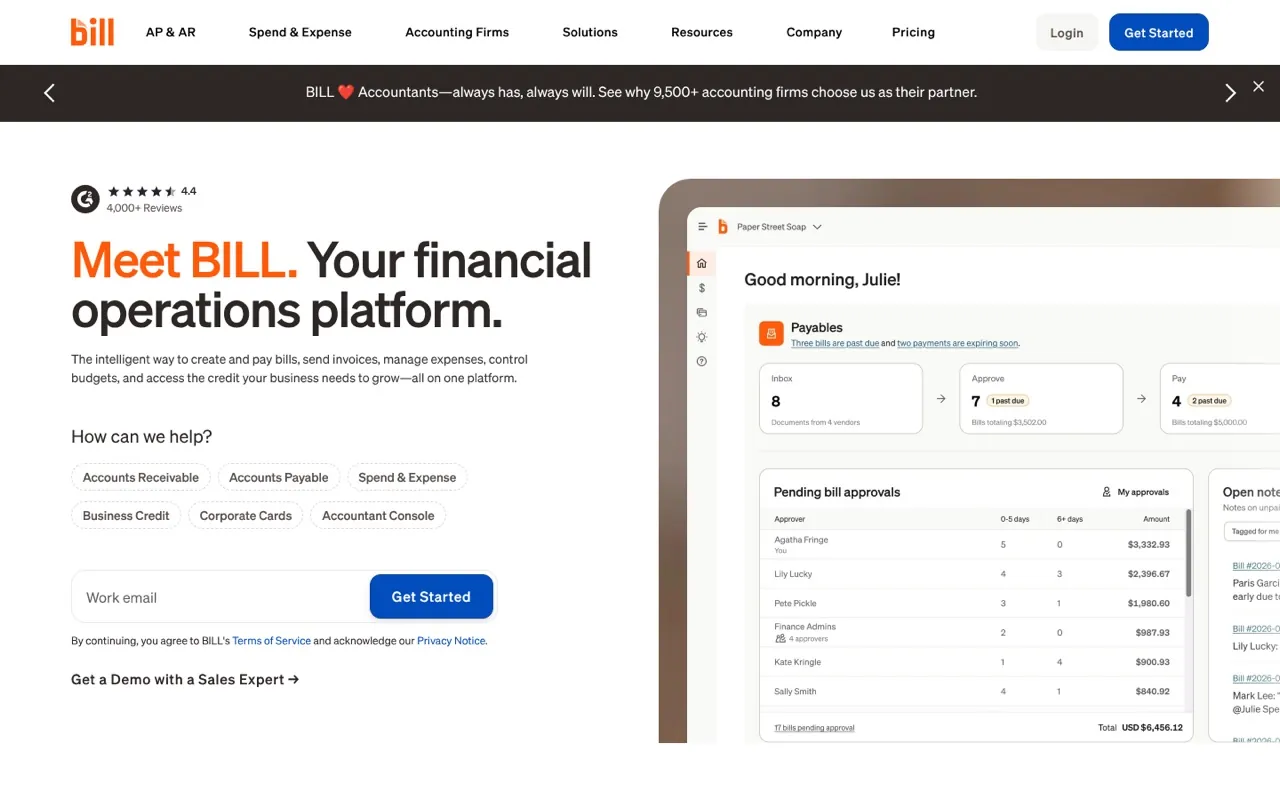
Best for: SMB finance teams that want invoice capture bundled with approval routing and ACH, check, and international payment execution in one platform.
BILL AP/AR is an end-to-end accounts payable and receivable platform that includes AI-powered invoice capture as the front end of a full payment workflow. It is the right choice for businesses that want to move from capture to payment inside a single tool rather than connecting separate systems. For accounting firms managing client AP, it adds a layer of complexity because each client organization requires a separate BILL account. I think it's best treated as a tool for the business itself rather than for the firm; we found switching between client accounts tedious after the third one.
Key Features
- AI multi-line bill coding: Automatically codes invoice line items on entry
- 2-way and 3-way matching: Matches invoices against purchase orders and receipts
- Customizable approval workflows: Route by amount, vendor, or department
- Payment execution: Pay by ACH, virtual card, credit card, check, or international wire from within the platform
- QuickBooks and Xero sync: Syncs bills and payments to connected accounting platforms
Pricing (source: BILL pricing page): Essentials $49/user/month, Team $65/user/month, Corporate $89/user/month. Custom Enterprise plan available.
Pros
- Capture-to-payment in a single platform eliminates the need for a separate payment tool
- Large user base means deep QuickBooks integration is well-tested and reliable
- Strong mobile app for approvals on the go
Cons
- Per-user pricing scales quickly for larger teams; a 5-person AP team on the Team plan costs $325/month before any add-ons
- Each client organization requires a separate BILL account, which adds overhead for accounting firms managing multiple clients
Rating: 4.4/5 on G2 (1,816 reviews). Note: score reflects the full BILL AP/AR platform, not invoice capture in isolation.
"Bill is overall a great solution for payments and reimbursements, as well as receiving payments." — G2 reviewer
I'd pick this if you are a business finance team (not an accounting firm) that wants one tool covering capture, approvals, and payments. For multi-client accounting practices, the per-client account structure adds friction.
9. Lightyear — Best for Full AP Workflow With Approvals
Best for: Accounting firms and AP teams that need full line-item extraction with built-in approval chains and a supplier self-service portal.
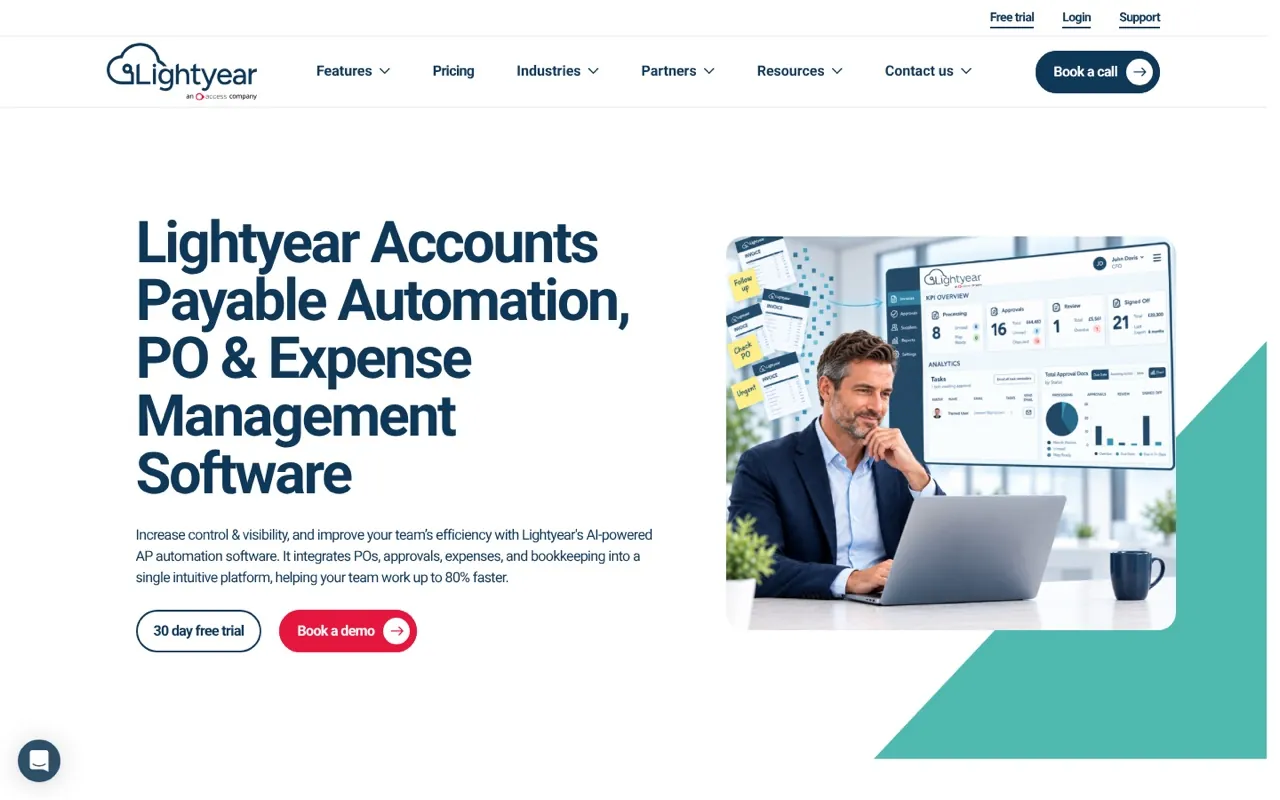
Lightyear is a full AP workflow platform that combines line-item invoice extraction with multi-step approval routing, a supplier portal where vendors can submit invoices directly, and integrations with Xero, QuickBooks, and several ERPs. It is best suited for practices processing higher invoice volumes where the combination of accurate line-item data and structured approvals justifies a higher monthly cost. It could be good to test on one high-volume client first; the 30-day trial is long enough to see whether the supplier portal actually changes vendor behaviour.
Key Features
- Line-item extraction: Reads every line of an invoice, not just header totals
- Approval chains: Multi-step approval routing by amount, supplier, or GL account
- Supplier portal: Vendors submit invoices directly into Lightyear, reducing email chase
- Xero and QuickBooks integration: Syncs approved bills with original documents attached
- Reporting: Spend analysis and AP aging reports built into the platform
Pricing (source: Lightyear pricing page): Starts at $169/month flat. No per-user fees.
Pros
- Flat monthly pricing with no per-user fees is predictable for growing teams
- Supplier portal shifts the document submission burden from the AP team to the vendor
- 4.9/5 Capterra rating reflects consistently high user satisfaction
Cons
- $169/month entry price is the highest flat-rate starting point in this comparison; small practices with low volumes will pay for capacity they do not use
- English-language focus limits usefulness for firms with international clients sending non-English invoices
Rating: 4.9/5 on Capterra
"The supplier portal alone has cut our invoice chase emails by half." — Capterra reviewer
Go with this if your firm processes enough volume to justify $169/month and you want line-item accuracy, approval routing, and a supplier portal without stitching together separate tools.
10. Botkeeper — Best for Firms Bundling Bookkeeper Services
Best for: Accounting firms that want to offload bookkeeping entirely by combining software automation with access to human bookkeeper services.
Botkeeper is a hybrid bookkeeping platform that combines automated transaction categorization and reconciliation with optional managed bookkeeper services for the work automation cannot handle. It targets mid-size accounting firms with 10 or more client organizations that want to scale their bookkeeping capacity without hiring additional staff. The software layer handles invoice processing and reconciliation; the managed service layer covers exceptions, client communication, and month-end close.
Key Features
- Automated transaction categorization: Rules-based categorization for recurring transactions
- Reconciliation automation: Matches bank feeds to accounting records automatically
- Human bookkeeper services: Optional managed bookkeeping for tasks the automation layer cannot complete
- Client portal: Clients interact with their books through a Botkeeper-branded interface
- Accounting firm dashboard: Single view across all client organizations
Pricing (source: Botkeeper pricing page): Software-only licenses start at $104/month (annual) or $149/month (monthly). Bundled bookkeeper services start at $1,499/month with a 10-license minimum.
Pros
- The hybrid model lets firms scale client capacity without proportional headcount increases
- Single dashboard across all client organizations reduces context-switching
- Managed service option covers the long-tail exceptions that pure automation misses
Cons
- The $1,499/month floor for managed services is a significant commitment for smaller practices
- Invoice capture is not the primary feature; I wouldn't recommend it as a capture tool on its own, and firms needing specialized extraction accuracy should evaluate a dedicated capture tool first
Rating: 4.4/5 on Capterra
"It's the only tool that actually helped us take on more clients without hiring." — Capterra reviewer
Go with this if you run a firm with 10 or more clients and want to grow revenue per staff member rather than add headcount. If you need pure invoice capture, start with a lighter tool and add Botkeeper's managed services layer later.
How to Choose Invoice Capture Software for Your Firm
The right invoice capture tool depends on four variables specific to your practice. Work through these steps before committing to a free trial.
Step 1: Count your monthly document volume
Add up the invoices, receipts, and credit memos your firm processes each month across all clients. Tools priced by page or document (DocStreamAI, AutoEntry, DocuClipper) become expensive above certain thresholds; flat-rate tools (Lightyear, Botkeeper) become cost-effective at higher volumes. A firm processing 300 pages/month pays $39.99 on DocStreamAI's Growth plan, which is roughly $0.13/page. At 1,500 pages, DocStreamAI's Business plan at $159.99 works out to $0.11/page.
Step 2: Confirm your accounting platform
If your firm runs QuickBooks Online, every tool on this list integrates with it. If you run Xero exclusively, remove BILL from your shortlist (its Xero integration is secondary to its QuickBooks connection). If clients use NetSuite, Sage, or other ERPs, only Stampli and BILL offer broad ERP coverage.
Step 3: Decide how documents arrive
- Documents arrive by email: DocStreamAI's inbox monitoring is the most efficient path. No client action required.
- Clients submit their own receipts: Dext's mobile app is purpose-built for this workflow.
- Documents arrive as PDF batches: DocuClipper or AutoEntry handle batch uploads cleanly.
- Vendors should submit directly: Lightyear's supplier portal removes the submission step entirely.
Step 4: Identify whether you need approvals
Pure capture tools (DocStreamAI, HubDoc, AutoEntry, DocuClipper) extract and sync documents. If invoices above a certain amount need a second set of eyes before posting, you need a tool with built-in approval routing. DocStreamAI, Stampli, BILL, and Lightyear all offer configurable approval chains.
Step 5: Check pricing transparency before shortlisting
Half the tools in this list do not publish pricing. If you cannot budget without a sales call, that is a real operational cost. DocStreamAI, AutoEntry, DocuClipper, Nanonets, and Lightyear all publish their prices publicly.
For more guidance on automating your entire invoice workflow end to end, see our email invoice automation guide and best invoice automation software comparison.
Conclusion
For accounting firms running QuickBooks Online or Xero, DocStreamAI is the strongest starting point: inbox-native capture, published pricing from $25 per client per month, and a 14-day free trial with no credit card required. It is the only tool in this list that monitors each client's email inbox automatically, which matters most when your clients receive bills across many different accounts and you cannot afford to miss one.
If your clients submit their own receipts, Dext is the better fit. If you are on Xero with straightforward invoices and a tight budget, HubDoc costs nothing extra. If you need a supplier portal and approval chains at higher volumes, Lightyear at $169/month is worth the investment.
The caveat to all this is that the tool you choose shapes how your clients send you documents. DocStreamAI and Dext both require clients to do something differently, either connecting an inbox or downloading an app. The practices that get the most value from any capture tool are the ones that set expectations with clients upfront and make the submission process as frictionless as possible on the client side. The software is the easy part.
Start a free 14-day trial of DocStreamAI.
Frequently Asked Questions
What is the best invoice capture software for accounting firms in 2026?
DocStreamAI is the top pick for firms on QuickBooks Online or Xero. It monitors each client's inbox, extracts line items with AI, and syncs directly to your accounting platform from $25 per client per month. Dext is the runner-up for mobile receipt workflows; HubDoc is free with Xero.
How much does invoice capture software cost?
Pricing ranges from free (HubDoc with Xero) to $25 per client/month (DocStreamAI Professional), $169/month (Lightyear), and $1,499/month (Botkeeper managed services). Credit-based tools like AutoEntry start at $24/month; per-user tools like BILL start at $49/user/month. Per-page pricing wins at low volumes; flat-rate wins at high volumes.
What is the difference between invoice capture software and invoice management software?
Capture software handles extraction only: reading invoice fields and pushing data to QuickBooks or Xero. Management software adds approvals, payments, and vendor communication on top. DocStreamAI, HubDoc, and AutoEntry are pure capture tools; BILL, Stampli, and Lightyear cover the full workflow.
Which invoice capture tools integrate with QuickBooks Online?
DocStreamAI, Dext, AutoEntry, Nanonets, Stampli, BILL, and Lightyear all sync directly with QuickBooks Online. HubDoc is Xero-only. DocuClipper exports to QBO format for manual import rather than a live API sync. See our Gmail to QuickBooks guide for a deeper comparison.
Can invoice capture software handle receipts and credit memos, not just invoices?
Yes. DocStreamAI, Dext, and BILL all explicitly support receipts and credit memos alongside invoices. DocStreamAI posts credit memos as vendor credits in QuickBooks or draft credit notes in Xero. Most other tools in this list focus primarily on invoices.
How do I avoid duplicate invoices when using invoice capture software?
DocStreamAI flags duplicates before posting and lets you choose to keep both, keep the original, or replace. Stampli and BILL also include duplicate detection. Tools without it (HubDoc, AutoEntry) rely on QuickBooks or Xero's native warnings. See our duplicate invoices guide for more.
How long does it take to set up invoice capture software?
DocStreamAI, AutoEntry, and DocuClipper can all process their first invoice in under 15 minutes. Connect your inbox or upload a PDF, link QuickBooks or Xero, and you're live. Stampli and BILL require onboarding calls for approval workflow configuration; Botkeeper's managed service tier takes longer.
What should I look for in invoice capture software for a multi-client accounting firm?
Prioritize four things: separate client organizations with no data bleed, a single cross-client dashboard, predictable published pricing, and direct QuickBooks/Xero integration per org. DocStreamAI's firm plan manages separate client organizations from 3 clients up. Dext and Lightyear also support multi-client management; BILL requires a separate account per client.